
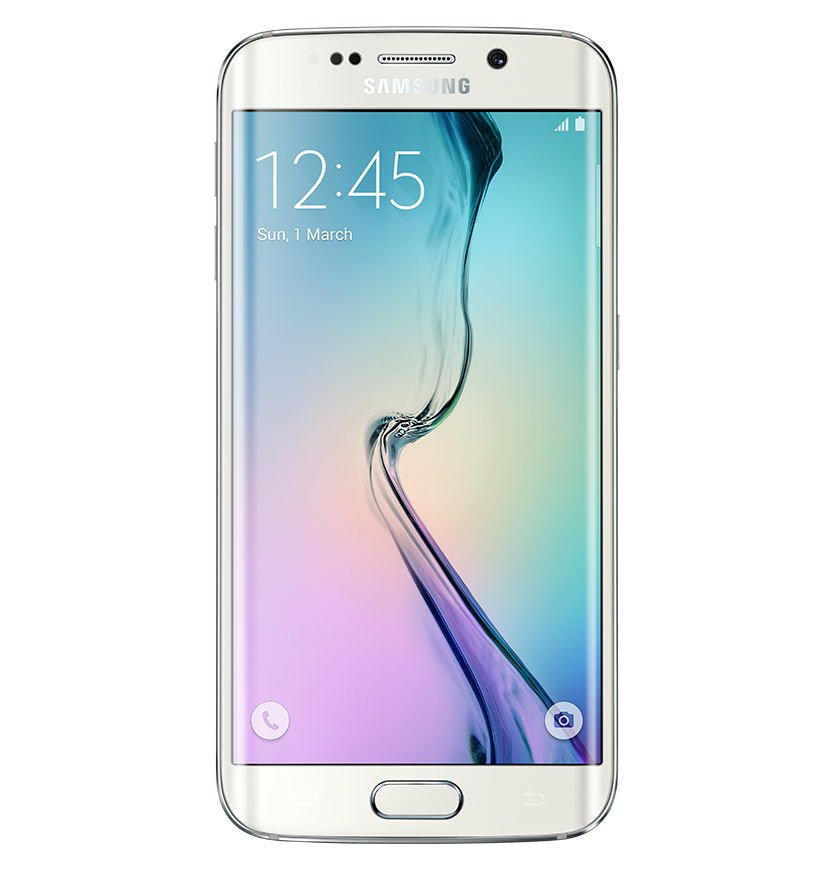



This tutorial will help you to hard reset (format) your Samsung Galaxy S4. Here we are providing all three methods to hard reset Galaxy S4.
Hard reset Samsung Galaxy S4 using menu buttons
Hard reset Samsung Galaxy S4 from settings menu
Hard reset Samsung Galaxy S4 using code.
Please make sure that you took a complete backup of all your apps, contacts, notes etc. before resetting your Galaxy S4 as this process deletes all the data in your phone memory.
How to take backup of your Samsung Galaxy S4?
Step 1
Follow this path: Settings->Account->Backup and Reset
Step 2
Alternately you can back up all your app data by installing this dedicated backup app; "App Backup & Restore" from play store: https://play.google.com/store/apps/details?id=mobi.infolife.appbackup&hl=en
Now we can turn to our real topic, resetting your Samsung S4
First Method:
1. Hard Resetting Samsung Galaxy S4 using Hard Buttons
First switch of your phone, while your s4 is in the power down state press and hold Volume up + Home button and press "Power" button. Hold the buttons until the phone vibrates, now you will see a screen with android logo, now please release all buttons. After this you will get a menu with the option, "Wipe data/Factory reset". You can toggle through the menu using Volume Down button, and you can use "Power" button to select an option. Now select the option and press power button.

Your phone will reboot after successful hard reset, if it's not rebooted then try the option "reboot system now".
2. Hard Resetting Samsung Galaxy S4 from settings menu
Follow this path: Settings->Account->Back up and Reset->Factory Data Reset->Erase Everything.
3. Hard Resetting Samsung Galaxy S4 using code
Enter *2767*3855#
Note: Please don't forget to backup your Samsung Galaxy S4 data before resetting it.
If "How to hard reset Samsung Galaxy S4 using code, button combination and from settings menu?" tutorial really helped you, please give a like/share on social networking websites by using the below given buttons.

Add comment
-
Comments
If you have done the hard reset then try installing stock rom using Odin.
You must remember it. Did you set any recovery email while setting it. Try this if so, http://www.samsungsfour.com/tutorials/how-to-reset-your-samsung-galaxy-smartphone-pattern-lock.html
That is a common issue which cannot be fixed. It's a manufacturing glitch.
Your post is Very informative. I have benefited from your nice post. So I like your mobile hard reset tips.
thank you very much
Yes...Take a backup and reset the device.
My Samsung Galaxy S4 keeps showing a message that says "Unable to Detect SIM Card" & it will tell me to restart the device. It constantly tells me almost every few minutes. I have also already changed my SIM card & uninstall apps that may be the cause, it still says the same message. Will this hard reset my phone?
Thank you.
You are welcome Conrado...
Conrado
RSS feed for comments to this post